
Transferring ownership of a crypto domain may seem straightforward: agree on a deal, provide a wallet address, and confirm the transaction. The risk is that a single mistake can send the asset to the wrong person or expose your wallet to a scam. Fake buyers, fraudulent payment confirmations, phishing links, and misleading wallet requests can all appear during a transfer. The safest approach is to verify each part of the transaction before signing anything. This guide explains how to transfer a crypto domain securely, from checking the buyer and recipient wallet to confirming the new ownership.
Before You Transfer, Confirm What Actually Controls Your Crypto Domain
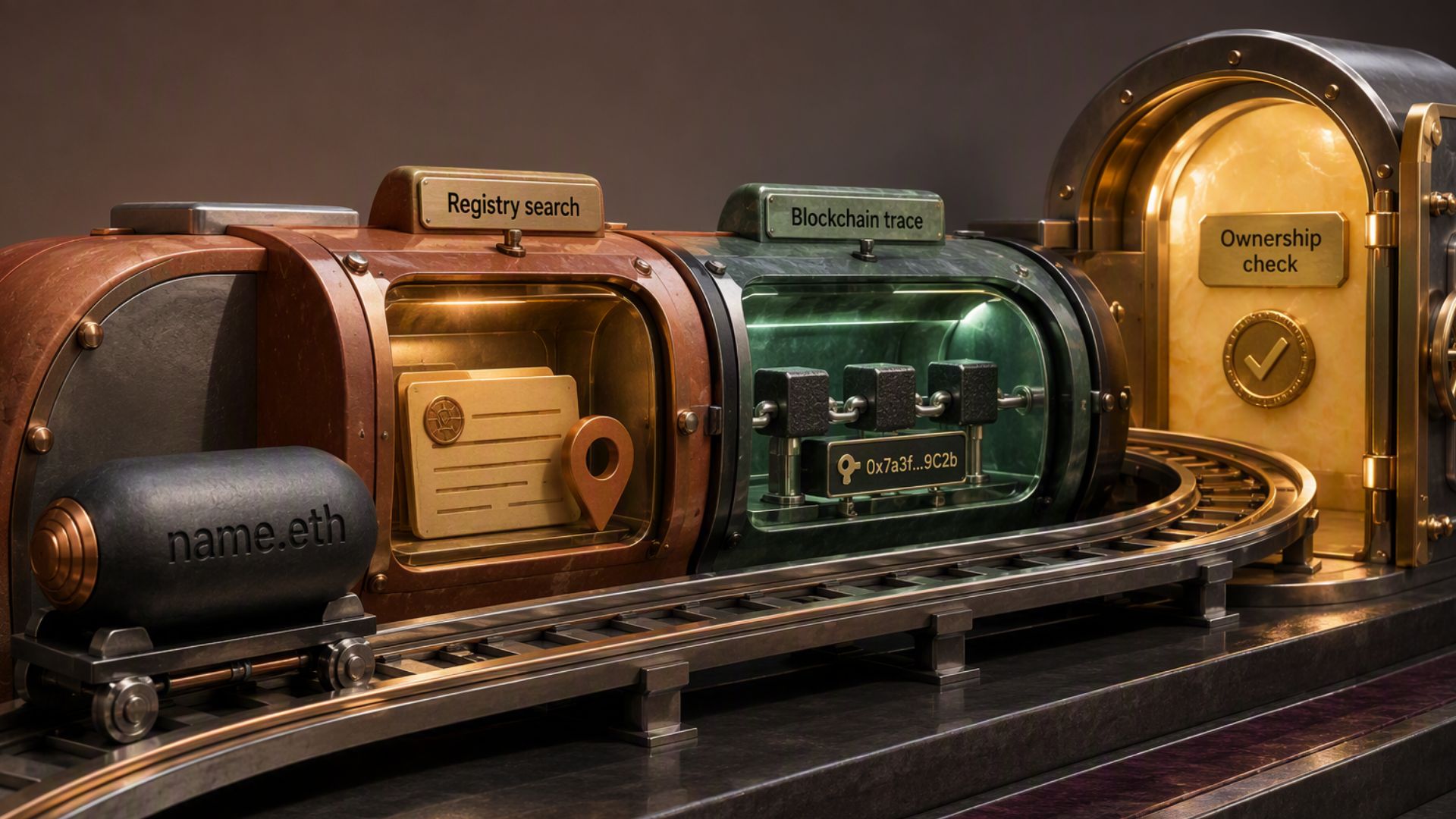
Before starting a transfer, confirm how ownership is recorded and which platform controls it. Not every crypto domain follows the same process. A native blockchain name, a Web3 domain held through a provider, and a traditional DNS domain connected to a blockchain can have different ownership rules.
Native Blockchain Names
With an ENS .eth name, ownership is recorded on-chain. The Owner role controls the name and can transfer it, while the Manager role manages records but does not control ownership. This distinction matters because changing a wallet address associated with the name is not necessarily the same as transferring the name itself.
Web3 Domains Held Through a Provider
Some providers use their own transfer process for wallet-held Web3 domains. For example, Unstoppable Domains lets you push eligible Web3 domains to another account using the recipient’s wallet address. The exact requirements depend on the provider and how the asset is held.
DNS Domains Are Different
A traditional .com, .org, or similar DNS name should not automatically be treated like an on-chain asset. ENS supports importing certain DNS names, but the underlying DNS registration can still affect control of the corresponding ENS name.
The first step is simple: identify the platform, confirm the asset is transferable, and determine which account or wallet controls ownership. Once that is clear, you can verify the buyer and prepare the transaction without relying on assumptions.
Verify the Buyer Before Discussing the Transfer
Before sharing transfer details, verify who is actually behind the offer. A buyer’s profile on X, Discord, Telegram, or another platform does not establish their identity, since scammers can impersonate individuals, brokers, marketplaces, and support teams. If someone claims to represent a company or marketplace, visit its official website and use its published contact information rather than links or contact details the buyer provides.
Keep the initial conversation focused on the transaction. Confirm the exact crypto domain, agreed price, payment method, and proposed transfer process before connecting your wallet or signing anything. Be cautious if the buyer creates urgency, changes the terms unexpectedly, sends you to an unfamiliar website, or asks you to pay a fee before completing the sale. These requests do not automatically prove fraud, but they are enough reason to pause and verify the deal independently.
Agree on the Deal Before Transferring Anything
Before opening your wallet, make sure both sides agree on the exact asset, price, payment method, blockchain network, and recipient wallet. If you’re selling the name privately, also agree on when payment will be made and when ownership will change. This removes ambiguity later, especially if the buyer suddenly claims that a different amount, network, or transfer method was part of the deal. ENS notes that private sales require the seller to trust the other party, while marketplace sales keep the exchange within the marketplace’s system.
Be especially careful with claims that payment has already been made. A screenshot, email, or message from the buyer is not enough to confirm that you have received the agreed funds. Verify the payment through the actual marketplace, payment service, or blockchain before transferring ownership. If the buyer asks you to pay an unexpected fee, connect your wallet through an unfamiliar link, or change the agreed process at the last minute, stop and verify the request independently. These are the kinds of situations where rushing can turn a legitimate sale into a costly mistake.
Agree on Payment and Transfer Terms
Before transferring ownership, agree on exactly how payment and delivery will happen. Confirm the price, payment currency, blockchain network, recipient wallet, and whether you must receive payment before the transfer. For a high-value sale, an escrow arrangement can reduce the need for either party to trust the other with both the asset and payment at the same time. However, make sure the service actually supports the type of crypto domain and payment method involved.
Never treat a payment screenshot, email, or message from the buyer as proof that funds have arrived. Check the payment through the relevant marketplace, escrow service, or blockchain yourself before transferring the name. If the buyer suddenly changes the payment method, asks for an unexpected fee, or claims that you must transfer first to “unlock” or “verify” the payment, stop the transaction until you can independently confirm what is happening.
Verify the Recipient Wallet Before Transferring Ownership
Once the deal is agreed, verify the wallet that will receive the name before starting the transfer. Ask the buyer to provide the intended address and compare it carefully with the address shown in the transfer interface. Don’t assume a shortened address, a transaction-history entry, or an address copied from a previous interaction is safe. ENS warns about address poisoning, where attackers create addresses that resemble ones a user has interacted with and rely on the user copying the wrong address.
Also confirm that you are using the correct blockchain network and the wallet type required by the platform. Don’t let the buyer choose these details for you through a link or unfamiliar interface. If the address changes after you have already verified it, stop and confirm the new address through a trusted channel. Once the transfer is signed and confirmed on-chain, recovering an asset sent to the wrong wallet may not be possible.
Start the Transfer From the Official Platform
When you’re ready to move ownership, access the domain service directly rather than using a transfer link the buyer sent. This matters because a convincing phishing page can look almost identical to a legitimate marketplace or wallet interface while asking you to approve a completely different transaction. ENS, for example, identifies its official app and warns users to watch for links and sites that imitate ENS services.
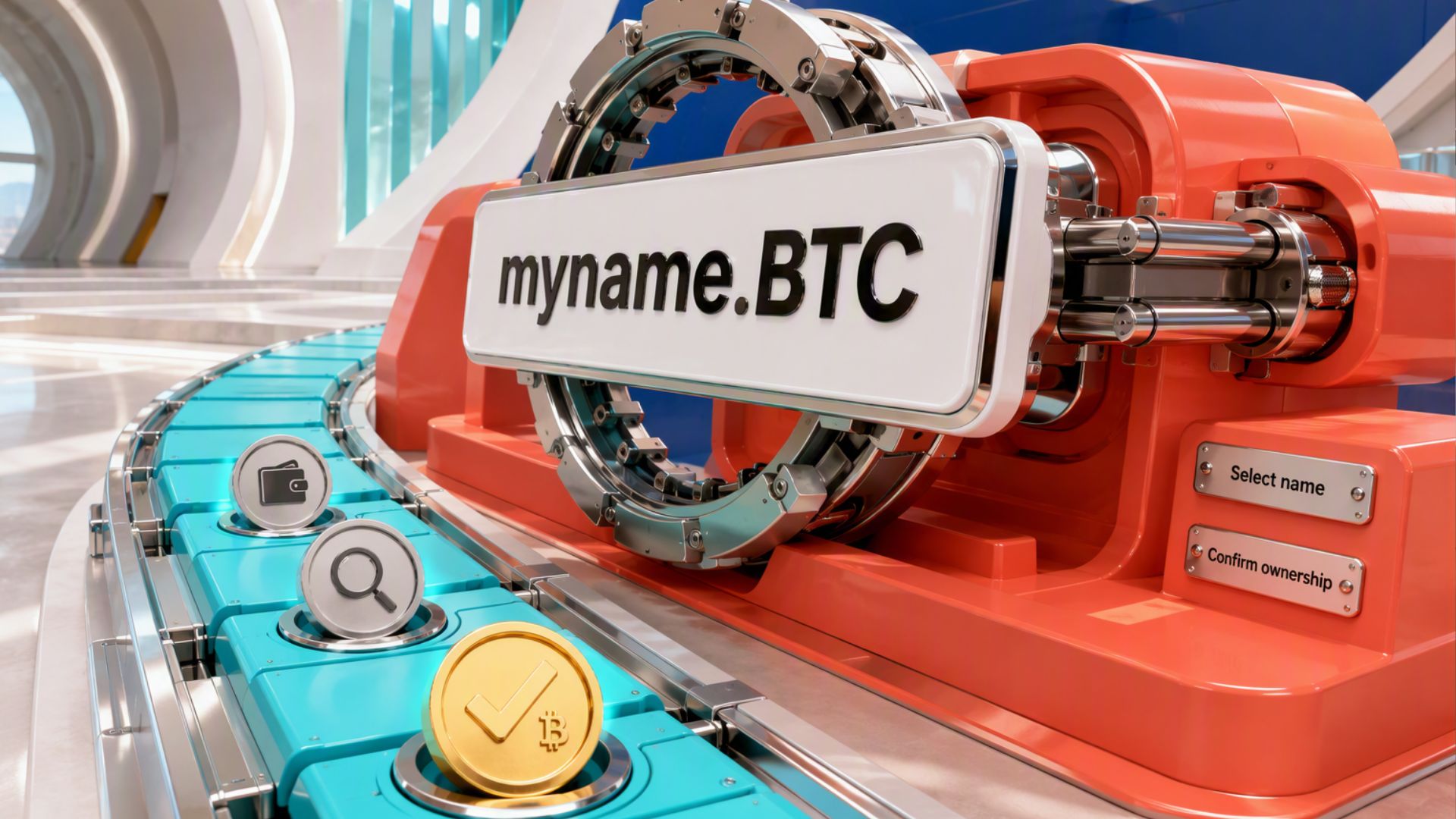
Select the platform’s actual ownership-transfer option and review the details before proceeding. Make sure the name shown is the one you agreed to transfer and that the recipient matches the wallet address you already verified. The exact steps will vary by provider, so follow the platform’s current transfer procedure rather than assuming that every crypto domain uses the same process.
Read the Transaction Before You Sign It
The final approval in your wallet deserves more attention than the transfer page itself. Check that the transaction involves the crypto domain you intend to send, the recipient you already verified, and the expected network and fees. If the wallet shows contract interactions or permissions you didn’t expect from a simple ownership transfer, stop rather than signing just because the buyer says it is required.
This is particularly important with malicious approvals. ENS warns that users can be tricked into approving transactions that give another account or contract permission to move assets from their wallet. A legitimate transfer should make sense in the context of the action you started. If you don’t understand what the wallet is asking you to approve, don’t sign it. Verify the transaction through the platform’s official documentation or support channel first.
Verify That Ownership Actually Changed
After the transaction is confirmed, verify the result independently instead of relying only on the wallet’s success message. Check the transaction on the relevant blockchain and confirm that the recipient address now controls the name. For ENS, the Ownership tab shows the current Owner, while the ENS registry records the owner and resolver for each name.
Also check the records attached to the name, especially if you are transferring it to another person. Ownership and the address the name points to are separate, and other records such as social handles or an avatar can remain attached unless they are cleared. ENS’s current transfer flow includes a Reset profile option for clearing these records before the handover.
Red Flags to Watch for During a Crypto Domain Transfer
Some requests should make you pause before signing or sending anything. Watch for these warning signs during a sale or ownership transfer:
- An unexpected payment or verification fee: The buyer claims you must send money before they can release your payment.
- A wallet connection request: Someone sends you to an unfamiliar website and asks you to connect your wallet to complete the sale.
- An unexplained transaction: Your wallet asks you to approve something that does not clearly match the transfer you initiated.
- A sudden change in the deal: The buyer changes the payment method, recipient, or transfer sequence after you have already agreed to the terms.
- A fake support request: Someone claiming to represent the platform asks for your recovery phrase, private key, or other credentials.
- Pressure to transfer first: The buyer insists that you send the name before the agreed payment or escrow conditions are met.
- A payment screenshot instead of verified funds: The buyer provides an image or message claiming payment was made without independently confirming the transaction.
Any one of these signs is a reason to stop and verify the transaction independently. ENS currently warns about phishing sites, fake verification requests, malicious approvals, and impersonation attempts, while legitimate platforms do not need your recovery phrase or private key to complete a transfer.
Conclusion
A safe crypto domain transfer depends on more than entering the right wallet address. Verify the buyer, agree on the payment terms, confirm the recipient, and use the official platform to initiate the transfer. Before signing, read the wallet request carefully and stop if it asks for anything unrelated to the transaction.
After the transfer, verify the transaction and confirm that ownership has changed as expected. Taking a few extra minutes to check each stage can prevent a costly mistake, especially when the transfer cannot simply be reversed once it is confirmed on-chain.