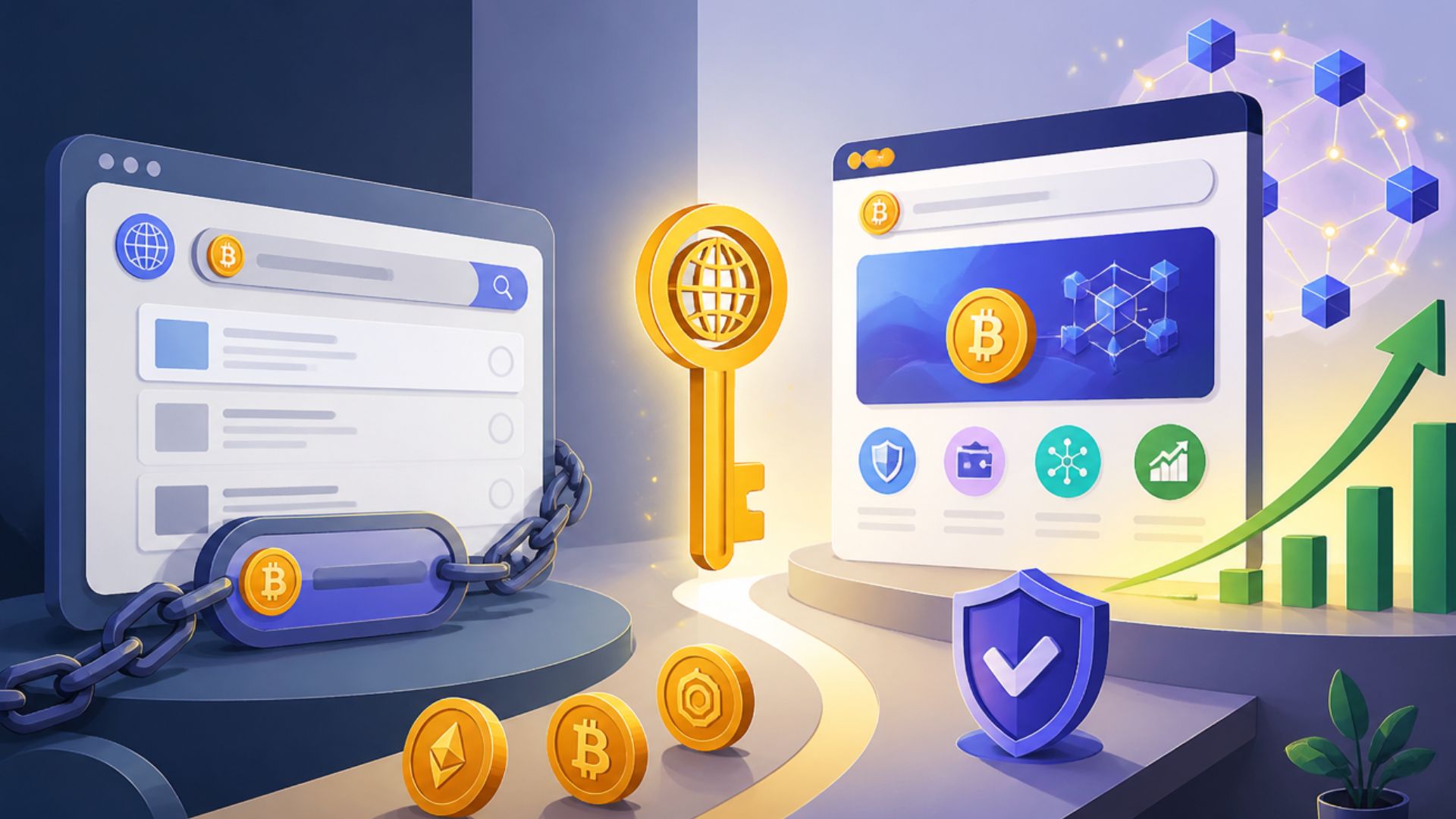
Buying a .BTC domain can be appealing for anyone looking to establish a recognizable identity within the Bitcoin and Web3 ecosystem. However, the process differs from buying a traditional domain, and it can be unclear where to start, what you need, or what happens after a purchase. The confusion increases when the name you want is already owned by someone else. Understanding the available ways to obtain a .BTC name makes the process much easier. This guide walks through what to know before buying and the steps to complete the purchase.
What Is a .BTC Domain?
A .BTC domain is a blockchain-based name associated with the Bitcoin Name System (BNS). BNS provides human-readable names that can replace long blockchain addresses and can be linked to wallet addresses and other records.
Unlike a traditional .com or .org address, a .BTC name is not part of the conventional Domain Name System (DNS). BNS names are managed on the Stacks blockchain, with the system designed to provide ownership and naming functionality within the Bitcoin ecosystem. Stacks describes BNS as a decentralized naming system for globally unique, human-readable names.
The distinction matters when buying one. A .BTC name is controlled through a compatible blockchain wallet rather than a standard registrar account, so purchasing one involves blockchain transactions and wallet ownership.
What You Need to Buy a .BTC Domain
Before buying a .BTC name, you need a few things ready. The exact requirements can vary depending on whether you are registering an available name or purchasing one from another owner, but the basic setup is straightforward.
- A compatible wallet: You need a Bitcoin-connected Stacks account to register and manage a .BTC name. The wallet is also important because ownership is tied to the blockchain account that controls the name. BTC.US currently describes its registration process as connecting a Bitcoin-connected Stacks account and managing the name through self-custody.
- Funds for the transaction: You need the payment required for the name, along with any applicable blockchain transaction fees. If you are buying an existing name, you also need enough funds to cover the seller’s asking price and associated fees.
- A name in mind: Decide what name you want before searching. If it is available, you can proceed with registration. If someone else already owns it, you may need to look for it on a marketplace instead.
- Access to your wallet: Since the name is self-custodied, make sure you can access the wallet you intend to use and can safely approve blockchain transactions.
BTC.US currently states that .BTC names are registered via a Stacks smart contract, and users can search for, register, and manage their names through the service.
How to Buy a New .BTC Domain
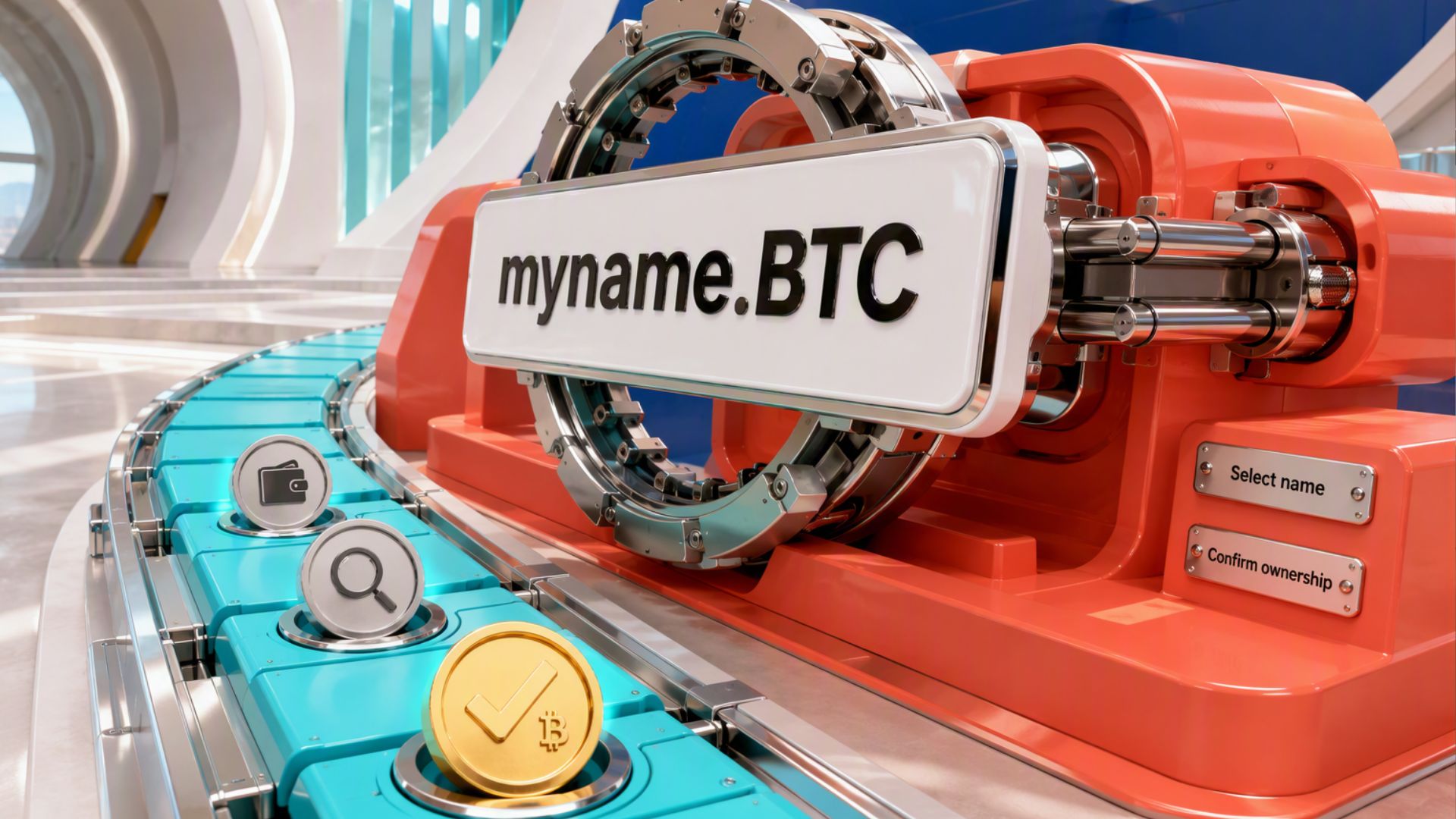
If the name you want has not been registered yet, you can obtain it through the current .BTC registration process. The basic flow is to search for the name, connect your wallet, review the transaction details, and complete the registration.
1. Search for an Available Name
Start by searching for the name you want through a current BNS registration service such as BTC.US. Enter the name without the .btc suffix if the interface adds it automatically.
Check the result carefully. If the name is available, you can proceed with registration. If it is already owned, you cannot register the same name and will need to consider purchasing it from the current owner instead.
2. Connect Your Wallet
Connect a compatible Stacks wallet to the registration service. The wallet identifies the blockchain account that will control the name and is used to approve the transaction.
Check that the connected account is the one you intend to use before proceeding. Once ownership is assigned, access to the wallet becomes important for managing the name.
3. Review the Registration Details
Before approving the transaction, review the information shown by the registration service. Pay particular attention to:
- The exact name you selected
- Registration period
- Registration price
- Network or transaction fees
- The wallet address that will receive ownership
Do not approve the transaction until these details match what you intend to purchase.
4. Complete the Registration
Approve the transaction through your connected wallet. The registration is recorded on the Stacks blockchain, so it may take some time for the transaction to be processed and confirmed.
BNSv2 supports several registration mechanisms, including fast-claim registration. The exact user interface may change as the services that handle registration are updated, so buyers should follow the current instructions provided by the registration service rather than relying on older BNS tutorials.
5. Confirm Your Ownership
After the transaction is confirmed, check the name through the registration service or an appropriate BNS explorer to verify that it is associated with your wallet.
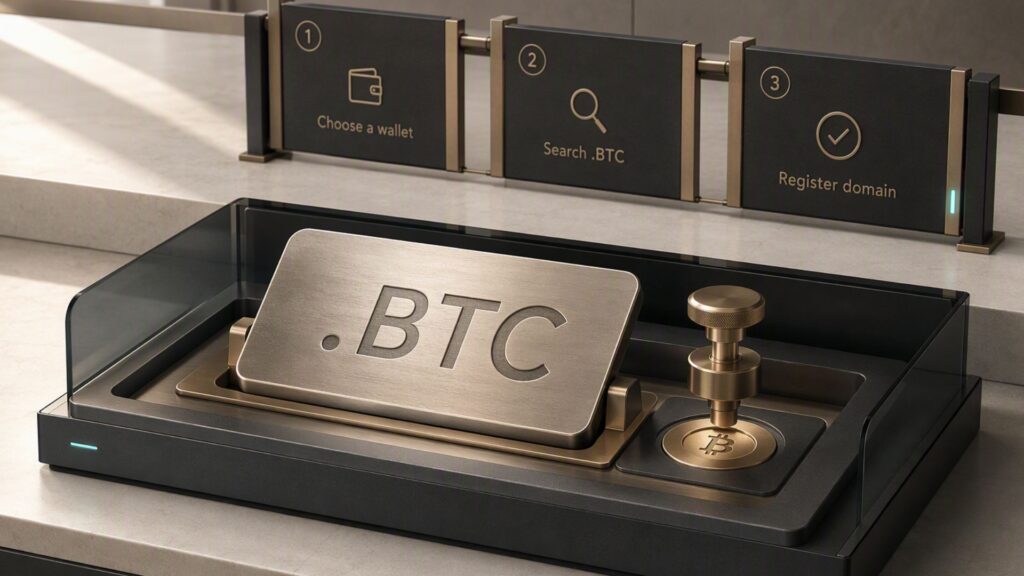
This final check helps confirm that the transaction completed successfully and that the intended account controls the name.
How to Buy an Existing .BTC Domain
Not every .BTC name will be available for new registration. If the name you want is already owned, you may still be able to acquire it if the owner has listed it for sale on a BNS marketplace. This is a secondary-market purchase, so the price and terms are set by the seller or marketplace rather than by the standard registration process.
1. Find the Name on a Marketplace
Search for the name on a marketplace that supports BNS names, such as Gamma. Gamma maintains a marketplace for buying and selling BNS names, including .BTC names.
Make sure the listing matches the exact name you want. A similar spelling or different name is not interchangeable once the purchase is complete.
2. Review the Listing and Price
Before buying, check the listing details carefully. Look at:
- The exact .BTC name
- Asking price
- Available payment method
- Marketplace or transaction fees
- Any other terms attached to the listing
Unlike a new registration, an existing name can have a price determined by its owner. Popular or desirable names may therefore cost significantly more than registering an unclaimed name.
3. Complete the Purchase
Connect your compatible wallet and follow the marketplace’s current purchase process. Review the transaction details before approving it through your wallet.
The marketplace handles the transaction in accordance with its supported BNS purchasing process. Avoid sending funds directly to a seller outside the marketplace unless you fully understand the transaction and can verify that the arrangement is legitimate.
4. Verify the Transfer
Once the transaction has been confirmed, verify that the .BTC name is now associated with your wallet.
Do not consider the process complete simply because the payment went through. Confirming the on-chain ownership or marketplace transfer gives you greater assurance that the name was successfully transferred to the intended account.
How Much Does a .BTC Domain Cost?
The cost of a .BTC name depends on how you acquire it. Registering an available name follows the pricing set by the BNS registration system, while buying an already-owned name depends on the seller’s asking price. You may also need to account for blockchain transaction fees.
Registration Cost
New registrations are priced according to the BNS rules for the namespace. The amount can vary based on factors such as the name’s length and character composition, so there is no single price that applies to every name. Check the current registration service for the exact amount before confirming the transaction.
Blockchain Transaction Fees
The registration or purchase price is not necessarily the only cost. Blockchain transactions can also require network fees, which are separate from the price of the name. The amount can vary depending on network conditions and the transaction being processed.
Existing .BTC Names
If the name is already owned and listed for sale, its price is determined by the seller. A short, recognizable, or otherwise desirable name may command a higher price than a newly registered name. Marketplace fees may also apply, so review the complete transaction amount before purchasing.
Renewal Costs
Owning a .BTC name may also involve future renewal costs. BNSv2 supports name renewals, so buyers should check the registration period and renewal requirements when obtaining a name rather than assuming ownership is permanent.
What to Know After Buying a .BTC Domain
After purchasing a .BTC name, a few basic checks and responsibilities help ensure you can manage it properly:
- Verify ownership: Confirm that the name is associated with the wallet you used for the purchase.
- Manage the name: BNSv2 supports functions such as updating records, transferring ownership, and renewing names. Supported records can include wallet addresses, websites, and other information.
- Protect your wallet: The wallet controlling the name is essential for managing it. Never share your seed phrase or private keys with anyone.
- Track the renewal period: Check when the registration expires and understand the current renewal requirements. BNSv2 supports name renewals.
- Verify transfers carefully: If you move the name to another wallet, check the destination address before signing the transaction. Blockchain transactions generally cannot be reversed after confirmation.
Common Mistakes to Avoid When Buying a .BTC Domain
Buying a .BTC name is straightforward once you understand the process, but a few mistakes can lead to unnecessary costs or even loss of access.
- Assuming it works like a traditional domain: A .BTC name is blockchain-based and is not the same as a conventional DNS domain such as .com. Its compatibility depends on the services and applications you use.
- Checking only the name, not the full transaction: Before approving a purchase, verify the exact name, price, registration period, fees, and wallet address.
- Using the wrong wallet: Make sure the intended wallet is connected before completing the transaction. The account that controls the name is important for future management.
- Ignoring transaction fees: The advertised price may not represent the entire amount you will pay. Check for applicable blockchain and marketplace fees before confirming.
- Forgetting about renewal: Check the registration period and renewal requirements after obtaining the name. BNSv2 supports renewals, so do not assume that ownership never expires.
- Sharing wallet credentials: Never give anyone your seed phrase or private keys. Anyone with access to those credentials may be able to control the wallet’s associated assets.
- Confusing BNS .BTC names with other projects: Not every service using .BTC terminology uses the same naming system. Confirm that the service you’re using supports the BNS-based .BTC names covered in this guide.
Conclusion
Buying a .BTC domain is a straightforward process once you know which route to take. An available name can be registered through a supported BNS service, while an already-owned name may need to be purchased through a marketplace. Before completing either transaction, carefully check the name, price, fees, wallet address, and registration period. Afterward, verify ownership and keep the wallet controlling the name secure. With these steps covered, you can buy and manage a .BTC name with fewer surprises.